
Cron monitoring for multi-step workflow

Know exactly which step of your nightly job failed - before users notice

Cron monitoring for multi-step workflows

Get instant alerts for failed or
long-running jobs

Dynamically define workflows from
task scripts

Identify problematic tasks via
monitor analytics

See pricing

How it works

Setting up and integrating a monitor into your tasks is easy

We monitor your tasks from the second they make first contact with Cronbee

We'll alert you whenever a job fails or is in error and provide rich data analysis on all your workflows

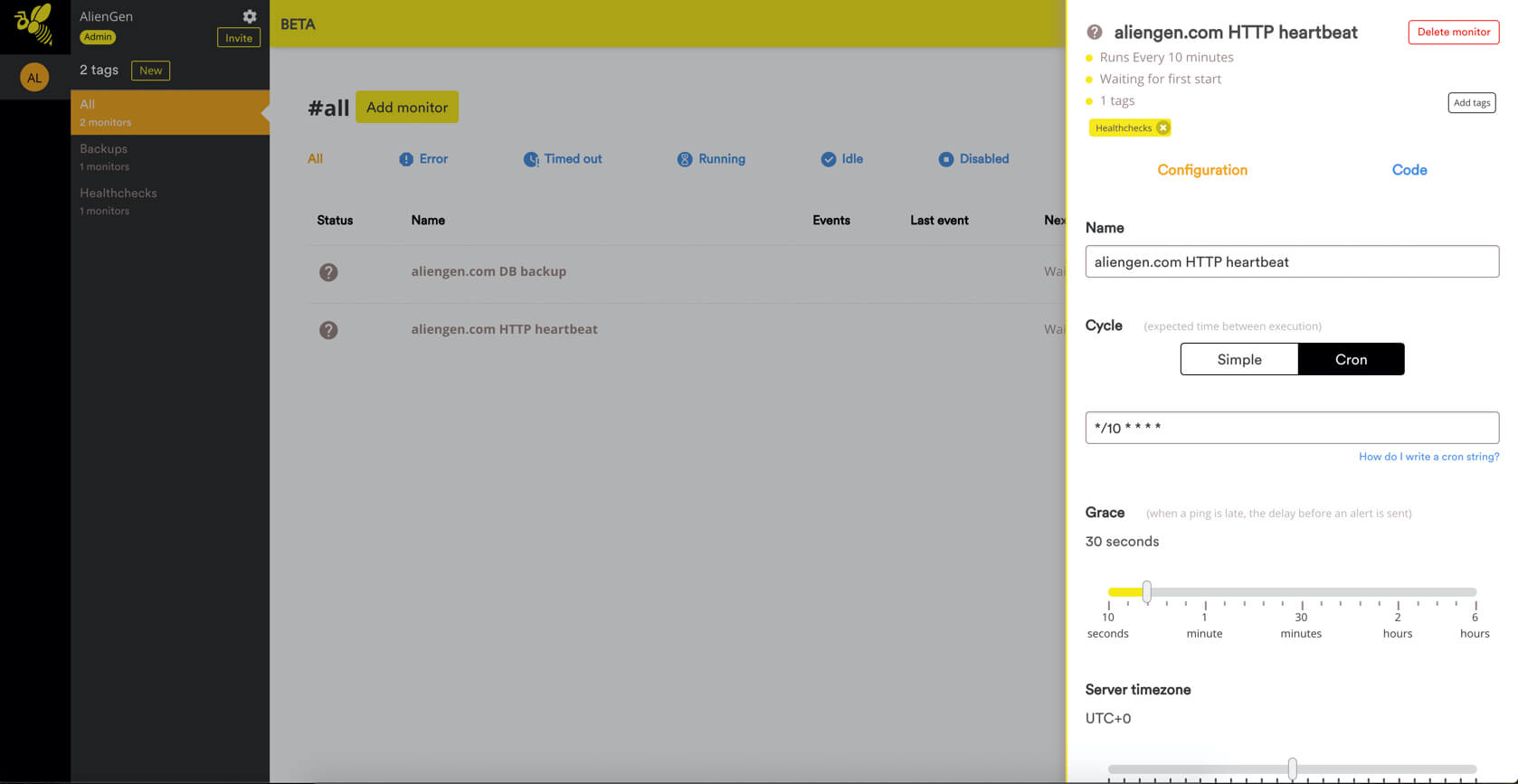
Set-up
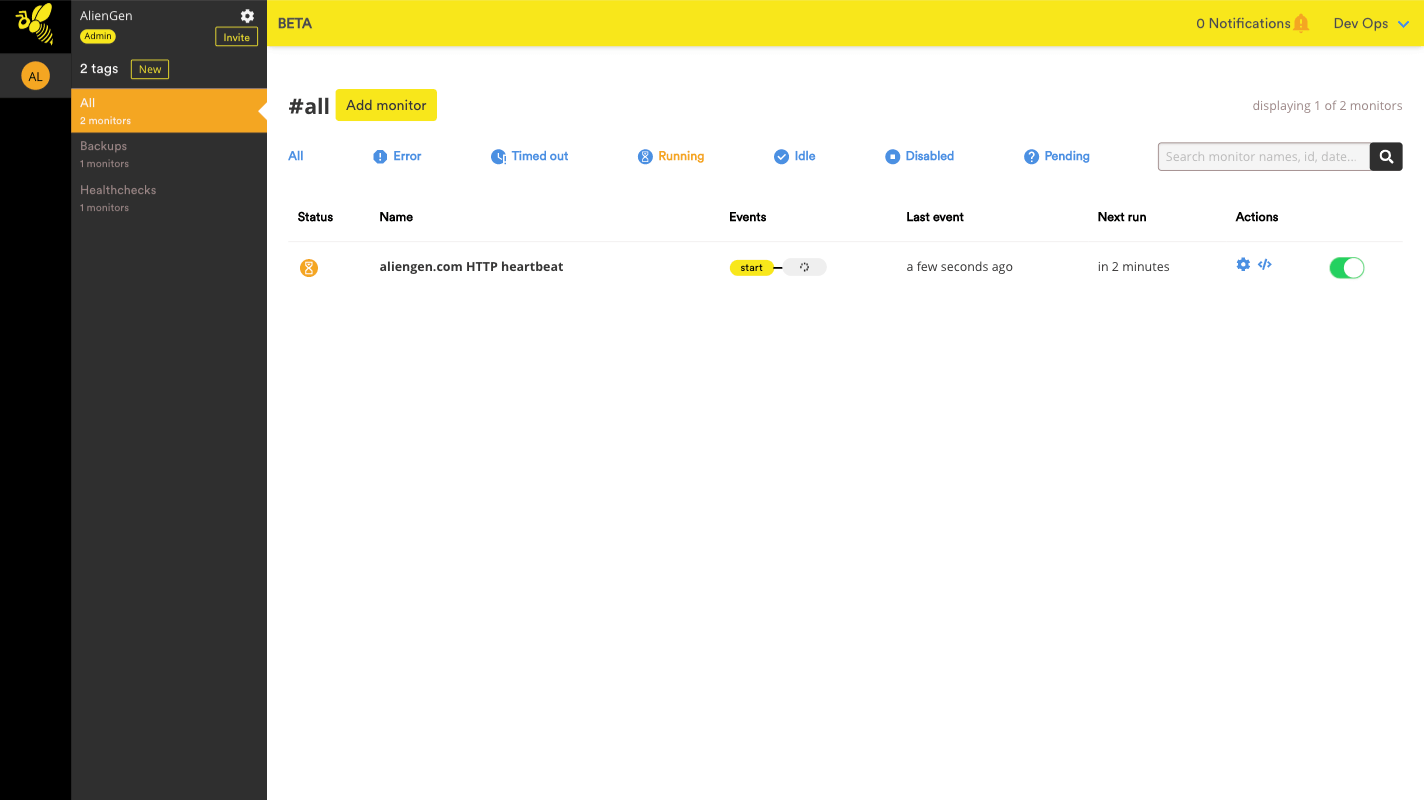
Monitoring
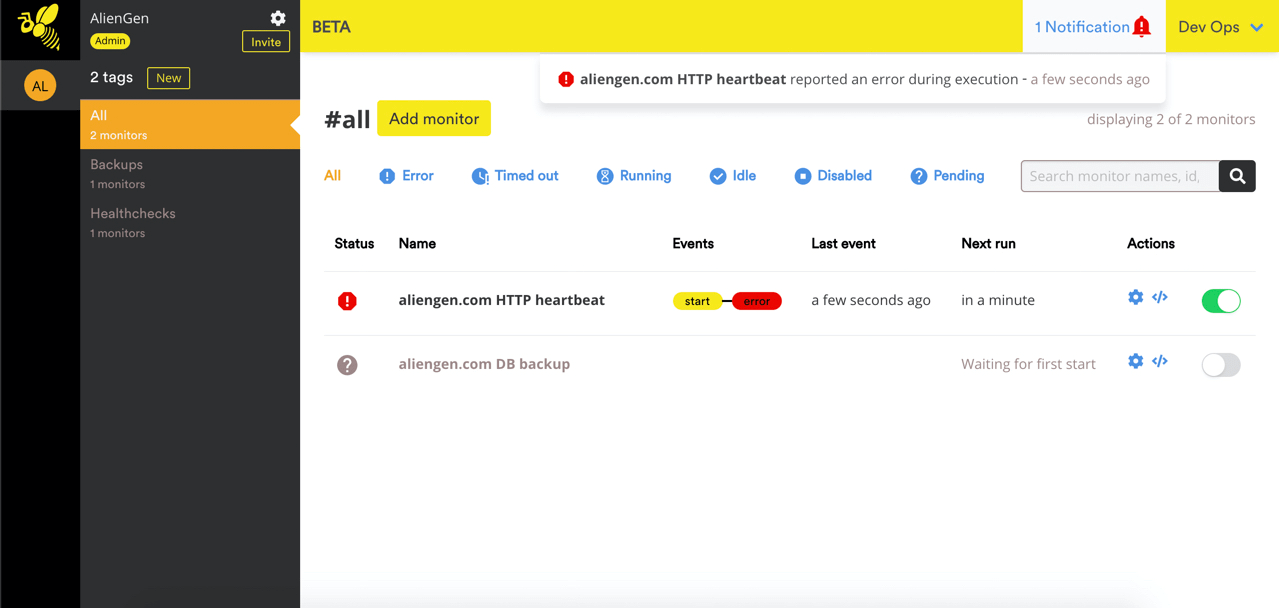
Alerts and analysis

Ready to get started?

Set up your first monitor in under 60 seconds

Everything you need to trust your cron

Notifications that fit your stack

Send alerts by Email, Slack, or Webhook when a job fails, errors, or stops reporting.

βœ‰οΈ Email πŸ’¬ Slack πŸ”— Webhook

Multi-step workflows

Know exactly which step broke in your nightly pipeline.

Long-running detection

Catch timeouts and slowdowns before they impact users.

Clean event history

See every run, every ping, and what happened at a glance.

Easy integration

Works from any languageβ€”just hit your unique URL.

Analytics & insights

Spot flaky jobs, recurring failures, and trends over time.

Why Cronbee?

Cronbee makes monitoring your cron jobs fast and easy.

Feature Cronbee Cronitor Dead Man's Snitch
Multi-step workflow monitoring βœ“ βœ— βœ—
CLI βœ“ βœ— βœ—
Email-only registration βœ“ βœ— βœ—
Long-running job detection βœ“ βœ“ βœ—
Simple, transparent pricing βœ“ βœ— βœ“
Free tier available βœ“ βœ“ βœ“
Email alerts βœ“ βœ“ βœ“
Slack integration βœ“ βœ“ βœ“
Event history & analytics βœ“ βœ“ βœ“
Simple HTTP API integration βœ“ βœ“ βœ“
No agent installation required βœ“ βœ“ βœ“
Feature Cronbee Dead Man's Snitch
Multi-step workflow monitoring βœ“ βœ—
CLI βœ“ βœ—
Email-only registration βœ“ βœ—
Long-running job detection βœ“ βœ—
Simple, transparent pricing βœ“ βœ“
Free tier available βœ“ βœ“
Email alerts βœ“ βœ“
Slack integration βœ“ βœ“
Event history & analytics βœ“ βœ“
Simple HTTP API integration βœ“ βœ“
No agent installation required βœ“ βœ“

Pricing

Whatever your needs, we've got plans to scale with your requirements:

Free

$0 /month

2 monitors

1 organization

10 retained events / monitor

Startups

$30 /month

40 monitors

1 organization

100 retained events / monitor

Small & Medium Business

$120 /month

500 monitors

1 organization

1000 retained events / monitor

Enterprise

$400 /month

Unlimited monitors

Unlimited organization

10000 retained events / monitor

What is a Cron?

Cron is a standard Unix utility that is used to schedule commands for automatic execution at specific intervals. By extension we call Cron or Cron jobs everything that run automated tasks at specific interval. The Cron is configured via a file called Crontab where you specify the list of commands to run and at which frequency you want to run them.

For instance, you might have a script that produces web statistics, or backups that you want to run once a day automatically at 3:00 AM.
As theses cron jobs are running automatically, you will not know when they fail! Cronbee is a cron monitoring tool that helps you to monitor theses tasks and ensure that they run as expected.

We try as much as possible to put information in our documentation. Look at how you can use Cronbee to implement your cron monitoring:


Docs

Integrating cronbee is as easy as a single line of code.

1

After creating a monitor you'll get a URL like this:

https://api.cronbee.com/monitor/43d483a8-6487-4428-82ec-5199d23ba22a
2

Use a shell script OR your favourite language to PING your monitor. THAT’S IT.

# Simple ping on a monitor

* * * * * curl -fsS --retry 3 https://api.cronbee.com/monitor/43d483a8-6487-4428-82ec-5199d23ba22a/ping && your_command
3

Cronbee also supports advanced workflow monitoring. See our docs and tutorials for more!